
Generation
TRON Vanity Address Search: Prefix, Suffix and Case Examples
Set up a TRON vanity address search: enter a prefix after T or a suffix, check Base58 characters, choose case rules and understand job status.
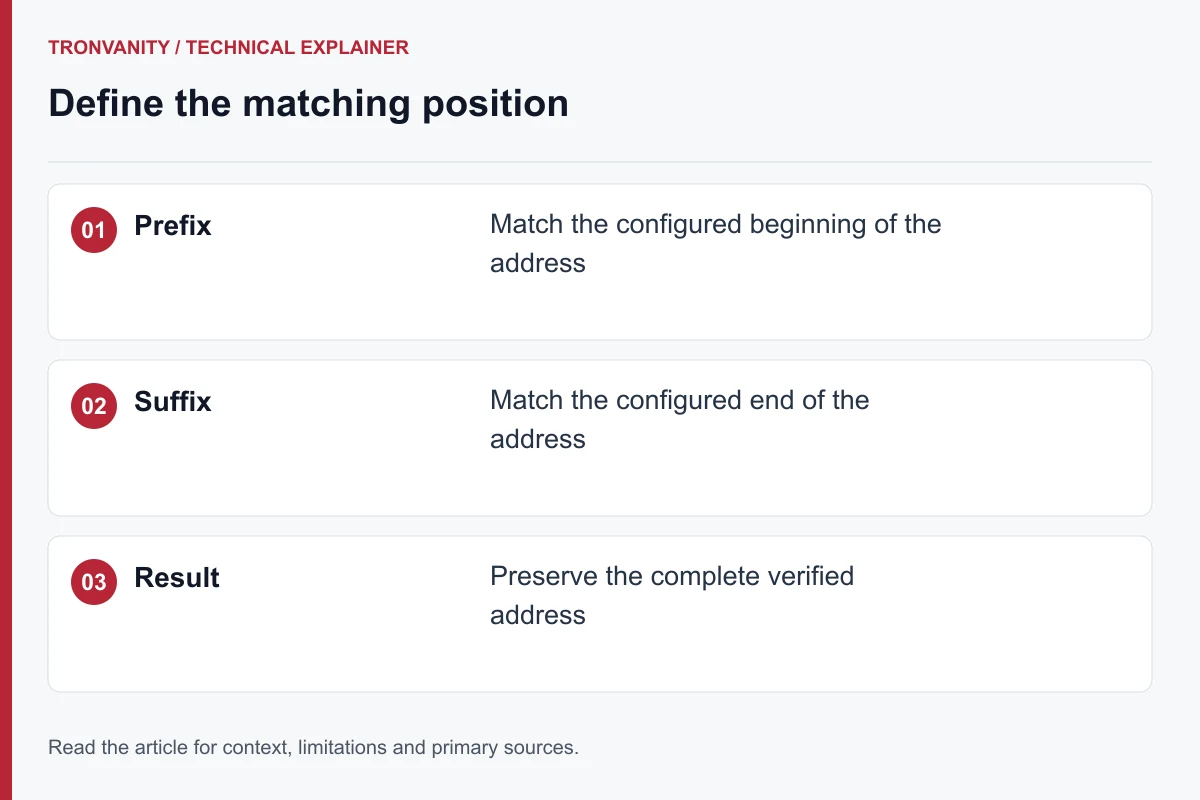
TRON vanity search inputs: what to enter
A TRON Base58 address begins with T. In this web interface the prefix field is labelled “after T”, so enter the pattern you want after that format character. For a suffix, enter the ending itself. The form accepts one Base58 pattern of one to eight characters, with optional exact case matching.
For example, 777 is a short digit-pattern idea for either placement. An ending such as Moon requires a decision about case. Neither example is a complete address or a prediction of search duration. Base58 excludes 0, O, I and lowercase l; replacing a rejected character changes the requested motif.
A submitted job can be queued before a worker starts searching. Cancellation is a request to stop the job, so wait for its returned state instead of assuming that clicking Stop instantly ends computation. If a run fails, change the pattern or deliberately retry after reading the error. Do not submit repeated searches simply because a request is slow.
- Open the TRON vanity address generator to enter a prefix or suffix.
- Read the TRON search difficulty guide to understand why a longer pattern is harder.
- Review activation after generation: finding a keypair does not activate or fund an account.
Choose one matching rule
Select prefix or suffix, then enter one to eight Base58 characters. The alphabet excludes 0, O, I and lowercase l. For a first end-to-end check, choose a short pattern rather than a long phrase.
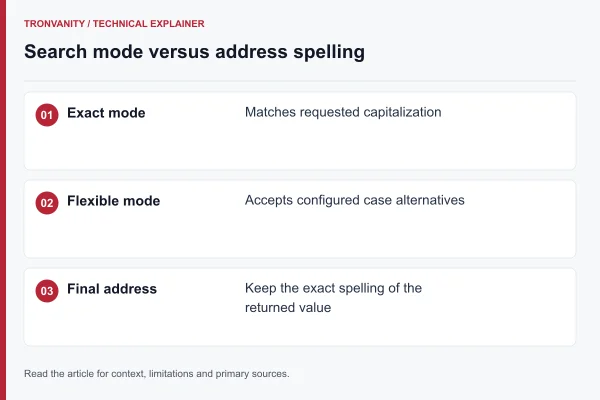
The worker normalizes a prefix with the mandatory T and rejects impossible leading ranges. Keep case sensitivity on if the spelling must match exactly. Turning it off permits valid letter variants; it does not change the address format.
Read the job state before taking another action
Starting a search first requires the site’s verification check. A queued or running job has not yet produced an address. Wait for the completed result rather than treating terminal messages as a key export.
- If submission or polling encounters a connection problem, avoid launching duplicates while the outcome is uncertain.
- Use Stop Process to request cancellation, then wait for confirmation.
- If completion wins the race with cancellation, handle the returned result as a completed job.
Finish with a verified result and backup
Read the complete address and save its private key before leaving the page. The service does not promise that a result will remain retrievable indefinitely. Never share the private key with someone merely asking for a receiving address.
Continue with wallet import checks and backup guidance. For a slow search, read the difficulty explanation rather than assuming the interface is a benchmark.
Explore the related mechanism
- Case-Sensitive and Case-Insensitive TRON Patterns — Base58 distinguishes uppercase and lowercase characters. Ignoring case broadens pattern matching without changing the returned address.
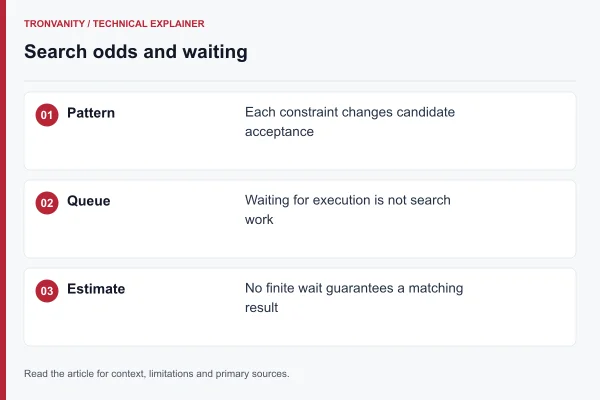
- TRON Vanity Address Difficulty: Odds and Time — Longer patterns are harder to match. A search is probabilistic, so an average number of attempts is not a deadline.
- Open the complete workflow guide to place these checks in order.
- Open the address generator when you have chosen a compatible format and pattern.
Frequently asked questions
Where do I enter the T in a TRON vanity prefix?
This interface labels its prefix field “after T”. Enter the characters you want after that initial format character. The suffix field instead matches the end of the address. Keep the complete returned address exactly as supplied.
Sources and editorial method
The technical references below support the concepts discussed in this article. Examples and comparison worksheets are explanatory, not measured service benchmarks.
Read next
Address format2 min read
Case-Sensitive and Case-Insensitive TRON Patterns
Base58 distinguishes uppercase and lowercase characters. Ignoring case broadens pattern matching without changing the returned address.
Generation2 min read
TRON Vanity Address Difficulty: Odds and Time
Longer patterns are harder to match. A search is probabilistic, so an average number of attempts is not a deadline.
Generation2 min read
How TRON Vanity Address Generation Works
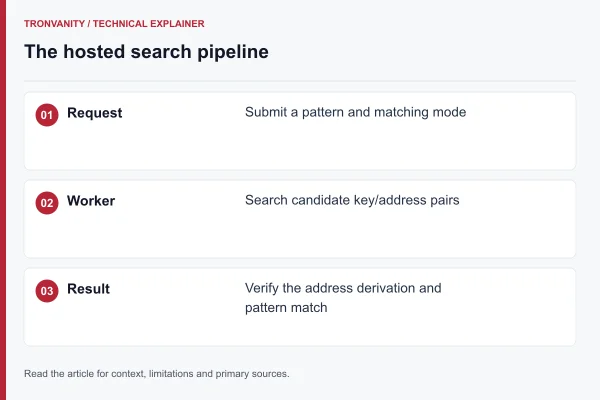
A worker searches private keys, derives their addresses and stops when an address matches your prefix or suffix. TRON Base58Check addresses begin with T.
Generation2 min read
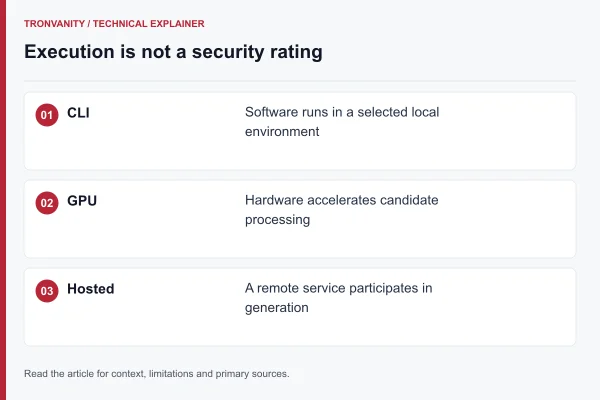
TRON Vanity Generators: CLI, GPU and Hosted Tools
Compare generators by where keys are created, what engine they run and how their output is verified. Speed alone is not enough to assess a tool.