
Wallets
Importing a TRON Vanity Private Key into a Wallet
The result contains a TRON address and a 64-character hexadecimal private key. These are different fields and must not be interchanged.
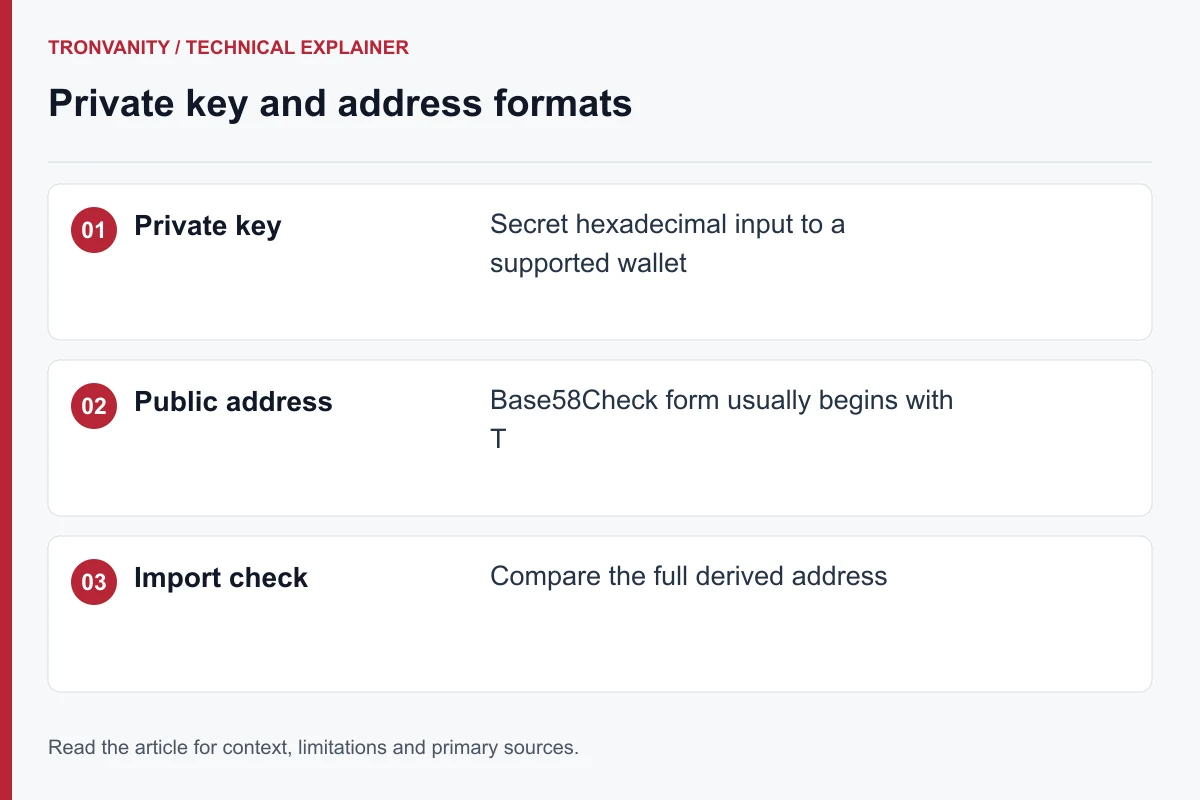
Recognize the three fields you may encounter
The generated receiving address starts with T. The returned private key is a 64-character hexadecimal secret. A wallet seed phrase is a different recovery format and is not generated by this tool.
Do not put the private key into an explorer, receiving-address form or support message. Use only the documented private-key import flow of a wallet you trust and that supports TRON.
Check the derived address after import
Before relying on an imported account, compare its complete address with the generator result. A successful import screen is not enough if the destination differs. Check the selected network and the wallet’s expected key format before proceeding.
This guide intentionally does not promise compatibility with every wallet version. Confirm the current import steps in the wallet’s own documentation rather than adapting instructions for an unrelated blockchain.
Imported keys need their own backup plan
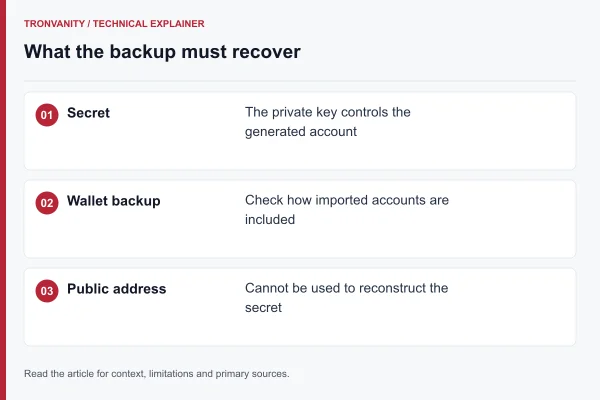
A seed phrase created earlier may not cover a separately imported key. Keep the exact exported secret using the wallet’s recommended secure backup procedure, and record which public address it should derive.
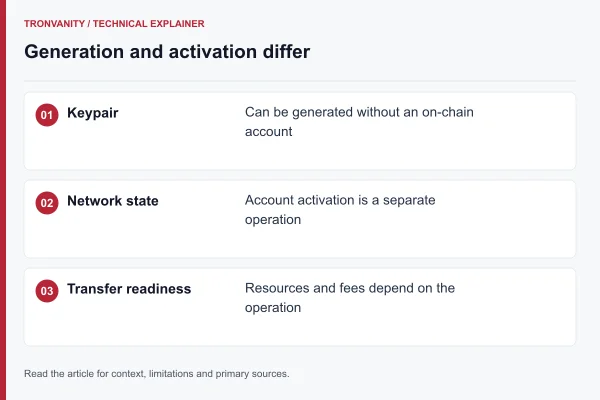
See the backup checklist for handling copies. Importing a key also does not automatically create the account’s on-chain state; read the network and activation guide. No transfer is performed by the generator.
Explore the related mechanism
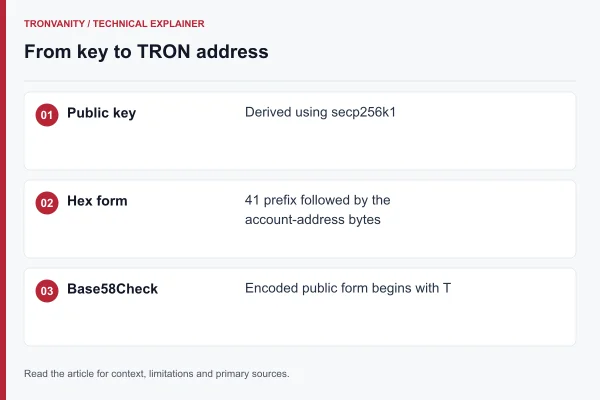
- TRON secp256k1 Keys and Address Formats — TRON uses secp256k1 key pairs. The familiar 34-character T address is a Base58Check representation of an address with version byte 0x41.
- Backing Up a TRON Vanity Private Key — Save the exact private key returned with your result. The generator does not provide a seed phrase or a recovery service.
- Open the complete workflow guide to place these checks in order.
- Open the address generator when you have chosen a compatible format and pattern.
Sources and editorial method
The technical references below support the concepts discussed in this article. Examples and comparison worksheets are explanatory, not measured service benchmarks.
Read next
Keys2 min read
TRON secp256k1 Keys and Address Formats
TRON uses secp256k1 key pairs. The familiar 34-character T address is a Base58Check representation of an address with version byte 0x41.
Wallets2 min read
Backing Up a TRON Vanity Private Key
Save the exact private key returned with your result. The generator does not provide a seed phrase or a recovery service.
Networks2 min read
TRON Networks and Account Activation
Generating an address does not activate an account on a network or submit a transaction. Key generation and on-chain account state are separate.
Address format2 min read
Case-Sensitive and Case-Insensitive TRON Patterns
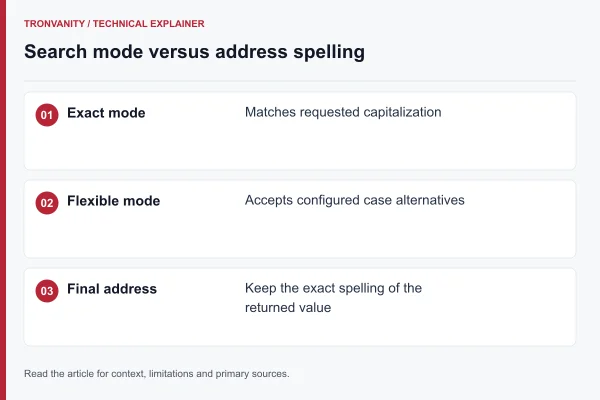
Base58 distinguishes uppercase and lowercase characters. Ignoring case broadens pattern matching without changing the returned address.